

IPTV Smarters Pro is one of the most popular IPTV apps in Germany.
It is fast, easy to use, and works on almost all devices.
However, many beginners still ask:
- How to install IPTV Smarters Pro?
- How to log in correctly?
- Which format should I use?
- Why does IPTV Smarters not work sometimes?
Therefore, this complete guide will show you how to set up IPTV Smarters Pro in Germany step by step in 2026.
By the end of this tutorial, you will be able to watch IPTV on:
- Android TV
- Firestick
- Smartphones
- Smart TVs
- PC and Mac
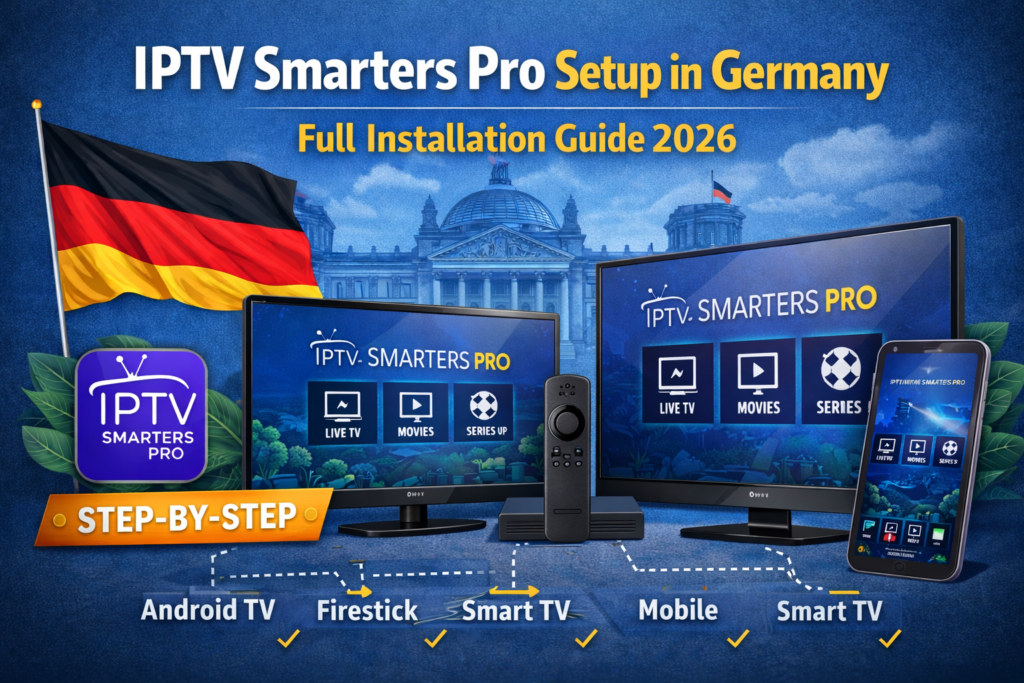
What Is IPTV Smarters Pro?
IPTV Smarters Pro is an IPTV player application.
It does not provide any channels by itself.
Instead, it allows you to:
- Load your IPTV subscription
- Watch live TV
- Watch movies and series
- Use EPG and catch-up
In other words, IPTV Smarters Pro is only a media player.
For choosing a good provider, see:
Best IPTV in Germany 2026 – Complete Guide to IPTV Germany
What You Need Before Installing IPTV Smarters Pro
Before starting the setup, make sure you have:
- A stable internet connection
- A compatible device
- An active IPTV subscription
- Your login details
Your IPTV provider usually gives you:
- Server URL
- Username
- Password
Or:
- M3U playlist link
IPTV Smarters Pro Login Methods Explained
IPTV Smarters Pro supports two main login methods.
Xtream Codes Login (Recommended)
This method uses:
- Server URL
- Username
- Password
Advantages:
- Faster loading
- Automatic updates
- Better stability
- Cleaner interface
For most users, Xtream Codes is the best option in 2026.
M3U Playlist Login
This method uses:
- M3U playlist URL
Advantages:
- Simple
- Works on many apps
Disadvantages:
- Manual refresh sometimes needed
- Less stable
If possible, always choose Xtream Codes.
How to Install IPTV Smarters Pro on Android TV
Android TV is one of the most common devices for IPTV in Germany.
Step-by-step installation:
- Open Google Play Store
- Search for IPTV Smarters Pro
- Install the app
- Open the app
- Choose Login with Xtream Codes API
- Enter your:
- Server URL
- Username
- Password
- Click Login
After a few seconds, your channels will load automatically.
How to Install IPTV Smarters Pro on Firestick
Firestick is one of the best devices for IPTV streaming.
Step-by-step:
- Go to Settings → My Fire TV → Developer Options
- Enable Apps from Unknown Sources
- Install the Downloader app
- Open Downloader and enter the IPTV Smarters Pro APK URL
- Download and install the app
- Open IPTV Smarters Pro
- Enter your IPTV login details
For a full Firestick guide, see:
Best IPTV for Firestick in Germany – What Really Works
How to Install IPTV Smarters Pro on Smartphones
IPTV Smarters works on both Android and iPhone.
On Android:
- Open Google Play Store
- Search for IPTV Smarters Pro
- Install and open the app
- Enter Xtream Codes or M3U
On iPhone:
- Open App Store
- Search for IPTV Smarters Pro
- Install and open
- Enter your login details
How to Use IPTV Smarters Pro Interface
After login, you will see four main sections:
- Live TV
- Movies
- Series
- Catch-up (if supported)
You can also access:
- EPG (TV guide)
- Favorites
- Search function
- Parental control
The interface is simple and beginner-friendly.
Common IPTV Smarters Pro Problems and Fixes
Even with correct setup, some problems may appear.
IPTV Smarters Pro Not Working
Try:
- Restart the app
- Restart your device
- Check your internet connection
- Re-enter login details
Channels Not Loading
Possible causes:
- Wrong server URL
- Expired subscription
- Provider server problem
Solution:
- Contact your IPTV provider
- Test another device
Buffering and Freezing
To reduce buffering:
- Use wired internet if possible
- Close background apps
- Reduce stream quality
- Restart your router
Is IPTV Smarters Pro Legal in Germany?
Yes.
IPTV Smarters itself is completely legal.
It is only a media player.
However, the legality depends on:
🔑 The IPTV service you use inside the app.
To understand this clearly, read:
Legal IPTV in Germany (2026) – What Is Allowed and What Is Not
Best Settings for IPTV Smarters Pro in 2026
For best performance:
- Use Xtream Codes login
- Enable hardware decoding
- Keep app updated
- Use fast internet (at least 20 Mbps)
- Use wired connection when possible
These settings will give you a smoother experience.
Conclusion
IPTV Smarters Pro is one of the best IPTV apps for users in Germany.
With the right setup:
- Installation takes only a few minutes
- Login is simple
- Streaming is smooth and stable
By following this guide, you can install and use IPTV Smarters in Germany easily, safely, and correctly in 2026.
